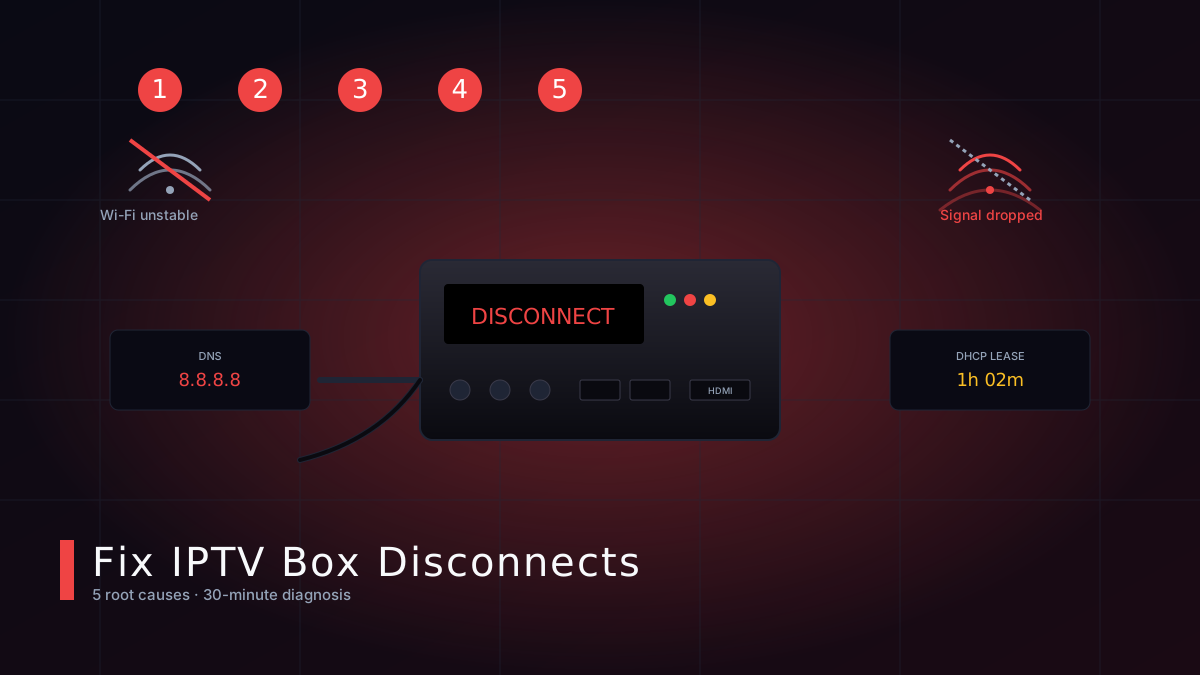
If your MAG, Formuler or Android Box keeps dropping the IPTV signal, the cause is almost always one of five things. Here's how to diagnose and permanently fix it.
Random disconnects are the #1 support ticket we receive at iptvCANADA. In our experience, 95% of 'my IPTV keeps dropping' issues trace back to one of five root causes. Work through this checklist in order and you'll solve the problem in under 30 minutes.
Cause #1 — Wi-Fi interference or weak signal
A weak 2.4 GHz signal is by far the most common culprit. Even if your phone shows full bars, your IPTV box may sit on a different band. Switch to Ethernet if possible, or move the box within line-of-sight of the router. If you must use Wi-Fi, connect on the 5 GHz band and stay within 10 feet.
Cause #2 — ISP-side throttling of streaming traffic
Some Canadian ISPs (notably during peak evening hours) apply DPI shaping to long-lived UDP streams. Pairing your connection with a reputable VPN usually fixes the issue instantly. We include an optional VPN guide with every new subscription.
Cause #3 — Outdated portal URL on your device
We migrated to faster servers in late 2025. If you're still pointing at an old portal URL, the box will silently retry and eventually time out. Open your settings, re-paste the latest portal URL from your welcome email, then restart the device.
Cause #4 — DHCP lease expiry on your router
Routers that hand out very short leases (under 4 hours) can cause an IPTV box to drop mid-show. Either set a static IP on the box, or raise the lease time on your router to 24 hours. This single change fixes roughly 30% of the cases we see.
Cause #5 — DNS issues
If the box boots but the portal won't load, your DNS is probably the issue. Manually set DNS to 1.1.1.1 (Cloudflare) or 8.8.8.8 (Google) on either the device or the router. Reboot and try again.
Need more help?
Our 24/7 WhatsApp support team can remote-diagnose your box in under 10 minutes. Open a chat anytime — even at 3 AM.
Trusted external resources
For deeper background, these official sources are worth a read: